
Gets out of your way
Paint now. Choose resolution later.
That is the real win of an infinite canvas: no width, height, or DPI decision before the first mark. Start with the painting and choose a resolution only when you need one.
A painting app that gets ouf of your way, all the way
Pixel painting feels organic but has a fixed resolution. Vector art scales, but rarely feels like paint. Cozy Paint Studio brings both together: soft, pressure-sensitive brush engines on an endless canvas. Keep zooming in and keep painting.
Android and iOS will come soon.
Independently built by Johannes Vollmer—oil painter, designer, and professional software engineer.
01 / The difference
Pixel images are one large raster: a fixed grid of color values. Vector images are a list of simple shapes and curves with thickness, which can be rendered at any resolution.
Cozy Paint Studio establishes a new fundamental image type between the two. An image is described by arbitrary per-pixel formulas that can be evaluated at any resolution. A formula can sample raster images, run loops, or generate arbitrary shapes as it evaluates each pixel. It can render a fractal or a blur, or change its result dynamically with pen pressure, angle, tilt, stroke thickness, stroke color, and more.
Gets out of your way
That is the real win of an infinite canvas: no width, height, or DPI decision before the first mark. Start with the painting and choose a resolution only when you need one.
Low latency is a feature
Always responsive, no matter the zoom or resolution. Immediate painting is our promise.
Files, layers, and history
Cozy Paint Studio manages files, layers, resolution, and backups so you can just draw. No more painting_v12.psd files.
Visual throughout
Eyes are the highway to the brain. Cozy Paint Studio takes that seriously and respects your time and attention. That philosophy shapes the whole app, so you can stay in your creative flow. Brushes, Presets, Images, Files, nothing needs a name. Stay cozy.
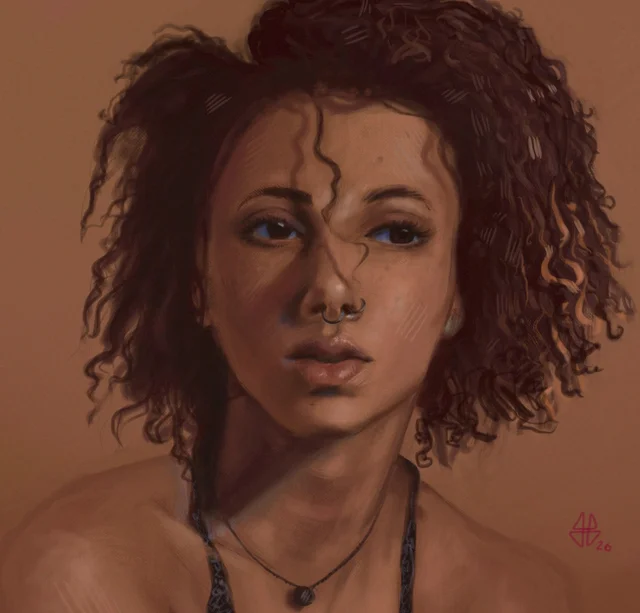
Painted in Cozy Paint Studio.
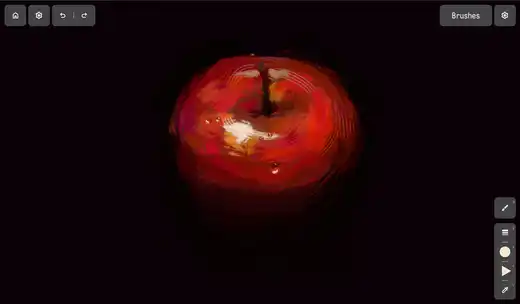
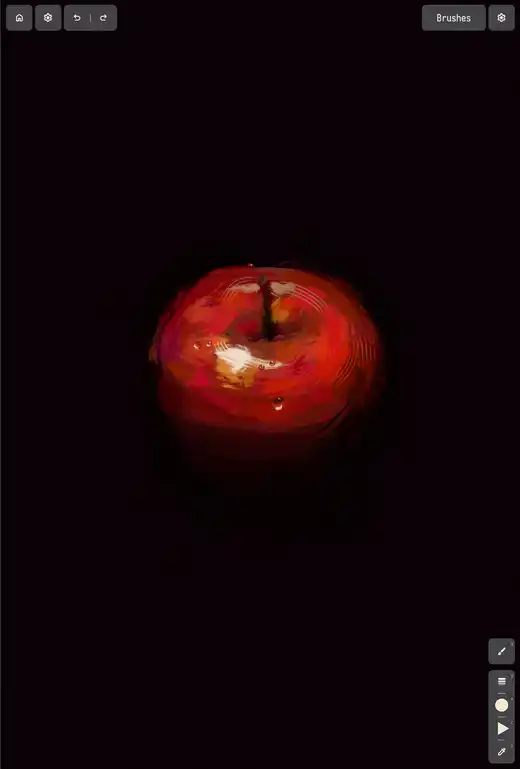
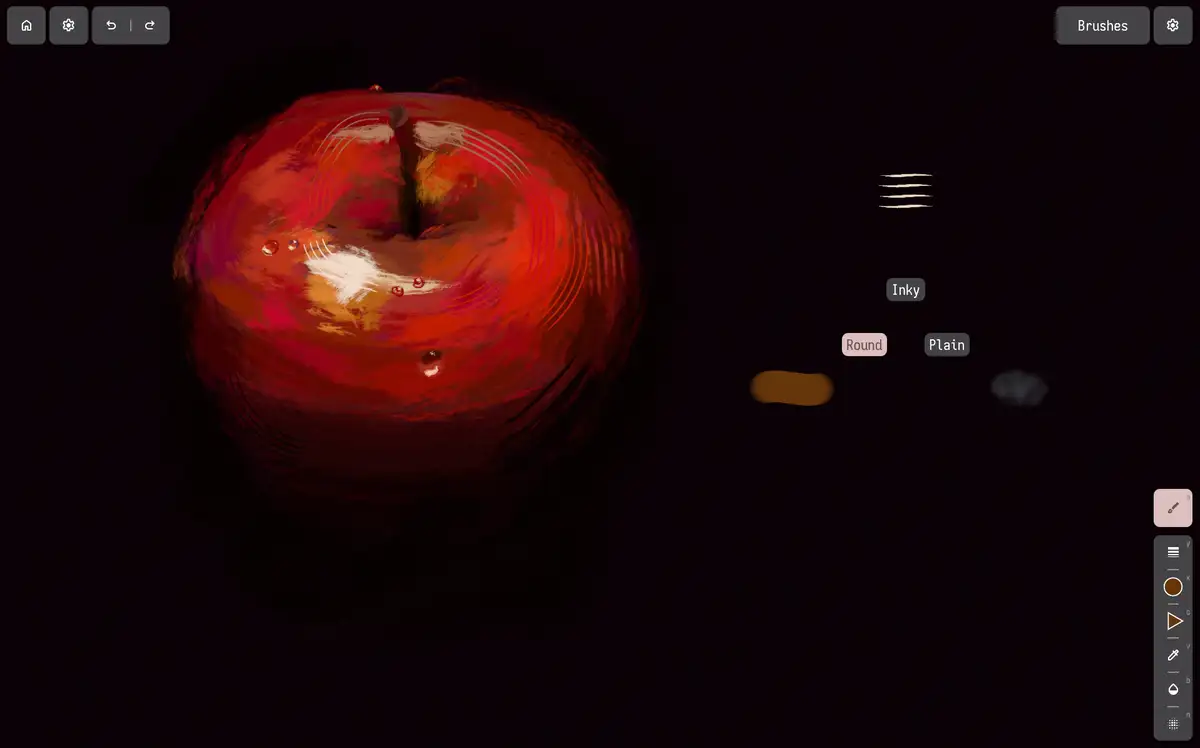
Pen + touch
Hold a brush control and its adjustment appears beneath the pen. Keep favorite properties on the tablet edge and reach for a recent brush with a radial gesture.
Color on canvas
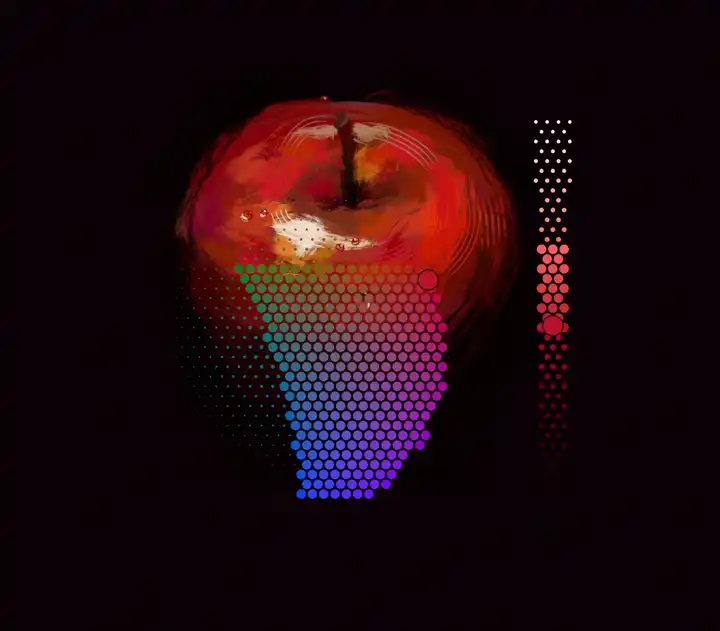
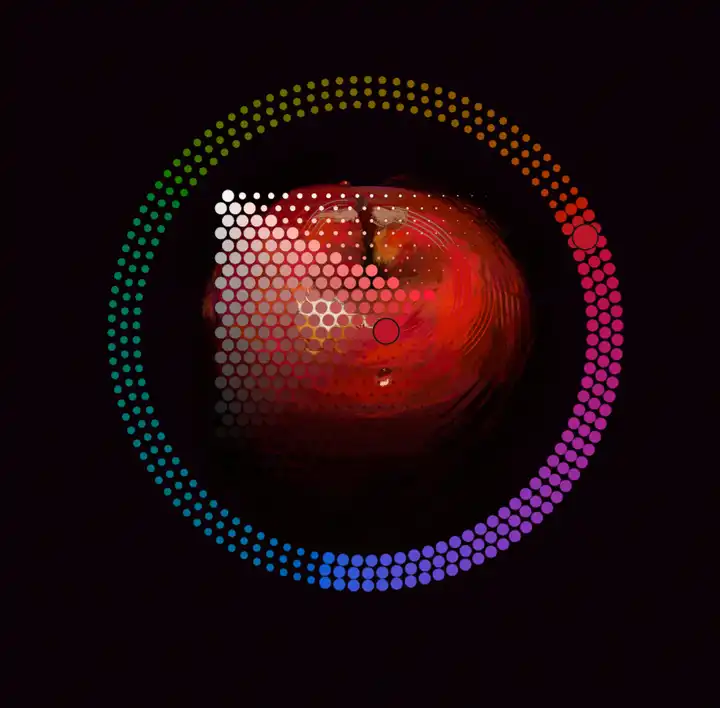
Press the color control and the Oklab picker appears directly beneath the pen. Compare the next color with the painting itself instead of sending your eyes to an isolated pane on the right.
Brush engines
A brush is not merely a stamp made from textures. Its engine can use its own rendering code to respond to pressure, shape, texture, color, spacing, and rotation.
A crisp edge, a textured tip, or paint catching the canvas grain: even a small idea can give a brush its own character. Or let AI code up a unique brush just for you! It will never paint for you though ;)
// A simple round brush.
fn shade(stamp: Stamp) -> vec4f {
  let inside = length(stamp.local_position) < 1.0;

  if inside {
    return stamp.color;
  }
  return vec4f(0.0);
}// Paint with a textured tip.
fn shade(stamp: Stamp) -> vec4f {
let texture = sampleTexture(stamp.local_position);
let opacity = texture.a * stamp.color.a;
return vec4f(stamp.color.rgb, opacity);
}// Press harder to fill the grain.
fn shade(stamp: Stamp) -> vec4f {
let grain = sampleGrain(stamp.canvas_position);
if grain + stamp.pressure >= 1.0 {
return stamp.color;
}
return vec4f(0.0);
}Community
Share what you made, compare brushes, ask for help, and influence what comes next. A verified Discord invitation is coming.
Discord is a third-party service with its own terms and privacy policy. The app does not connect to Discord; official support is by email.
02 / My story
Johannes Vollmer
Hi, I’m Johannes. Learning Photoshop and Blender as a kid led me into graphics programming, generative art, UX design, and eventually professional software engineering. Away from the screen, I paint in oils.
When I first tried Mischief, digital painting felt unusually direct and free. When it was discontinued, that feeling stayed with me. I wanted to carry the idea forward—but with textured, colored brushes that could behave like complete instruments rather than simple vector marks.
Cozy Paint Studio is the result. I am building it independently, in my free time, as the focused painting tool I want to use myself. It is not a venture-backed attempt to build another creative-software platform. It is my dream app.
Roadmap
This roadmap is a loose collection of the next big things. The order reflects today’s priorities, not commitments or release dates, and may change as the app develops and painters weigh in.
Working today
Big feature priorities
Draw a freeform shape instead of filling it with brush strokes.
Select parts of a painting with a lasso or brush, then transform them.
Adapt keyboard commands to your own workflow.
Mix colors directly on the canvas, like oils.
Organize and edit parts of a painting separately.
Define which part of the endless canvas exports, and at what resolution.
Exchange brushes and textures as complete creative tools.
Code your own brushes in an editor and share them with the community. Or let the AI code a brush for you. You paint every stroke yourself, this is not an image generation app!
Also planned: Various performance optimizations are planned, but postponed for now while the core tools take priority.
Cozy Paint Studio
Cozy Paint Studio is now available as a free preview from Microsoft Store.